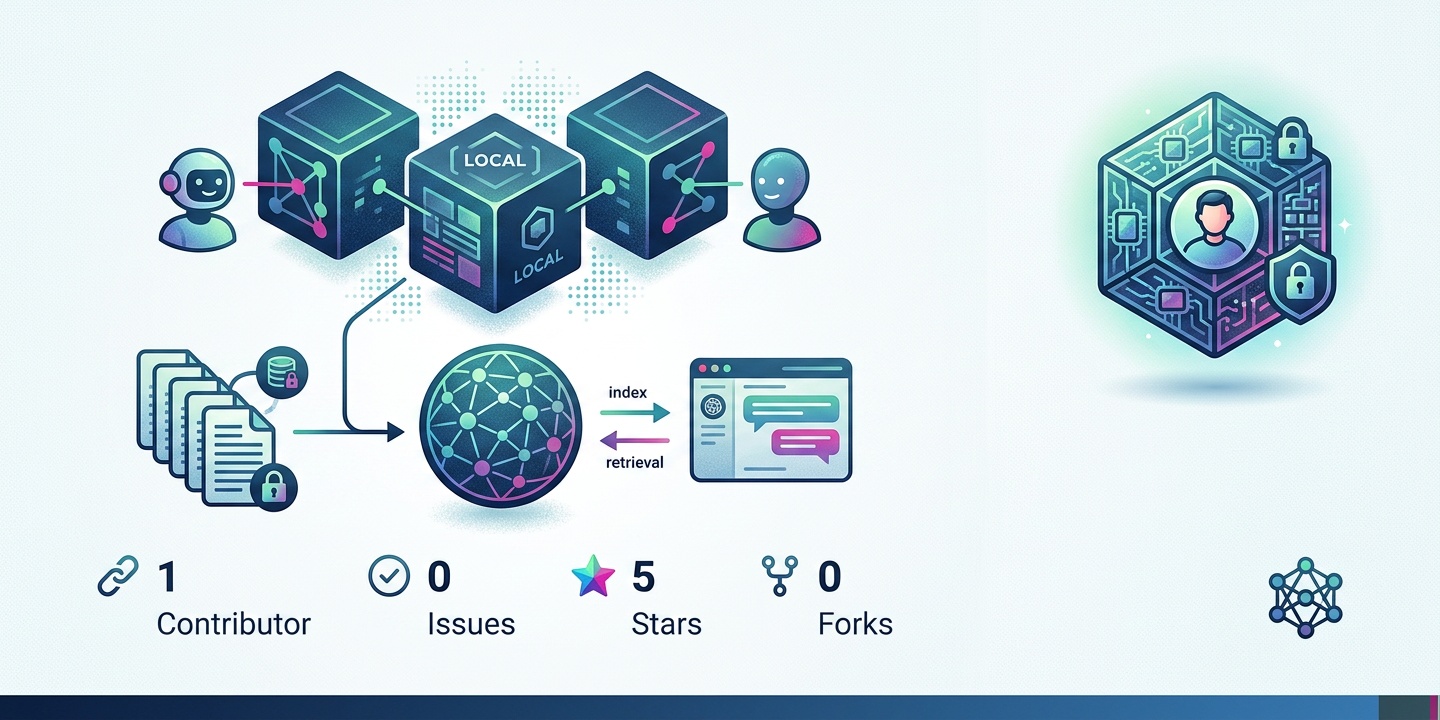

Introduction to Afterburner
Afterburner is a fast, embeddable JavaScript and TypeScript runtime written in Rust. It features a capability sandbox that allows for secure execution of user scripts, plugins, and business rules. The goal of Afterburner is not to replace your existing stack, but to fit cleanly into it, providing a secure and efficient way to run JavaScript and TypeScript code.
Afterburner is designed to be easy to use and integrate into your existing workflow. It provides a simple and intuitive API for embedding the JavaScript and TypeScript engine into your Rust application. You can use Afterburner to run user scripts, plugins, and business rules, each with its own set of capabilities and limitations.
The Afterburner project is open-source and available on GitHub, which means that developers can contribute to the project, report issues, and participate in the community. This open-source nature of Afterburner ensures that the project is transparent, and the community can help improve it.
Key Features of Afterburner
Afterburner has several key features that make it an attractive choice for developers. These include:
- Capability sandbox: Afterburner features a capability sandbox that allows for secure execution of user scripts and plugins. This means that scripts run locked down by default, with no access to the network, filesystem, or environment variables.
- Explicit capability granting: You can explicitly grant whatever access a script needs, and every call gets hard caps on CPU, memory, and time.
- Easy integration: Afterburner is designed to be easy to integrate into your existing workflow. It provides a simple and intuitive API for embedding the JavaScript and TypeScript engine into your Rust application.
The capability sandbox is a critical feature of Afterburner, as it provides a secure way to run user scripts and plugins. By default, scripts have no access to the network, filesystem, or environment variables, which reduces the risk of security breaches.
Afterburner's explicit capability granting feature allows developers to explicitly grant access to scripts, which provides fine-grained control over what scripts can do. This feature, combined with the capability sandbox, provides a high level of security for running user scripts and plugins.
Using Afterburner
Afterburner is easy to use and provides a simple and intuitive API for embedding the JavaScript and TypeScript engine into your Rust application. You can use Afterburner to run user scripts, plugins, and business rules, each with its own set of capabilities and limitations.
Afterburner also provides a built-in registry at registry.afterburner.sh, where you can publish and install packages. Dependencies are pinned by content digest, and every package ships with a capability manifest, so installed code is sandboxed by default. Afterburner also interops with npm, so you can still pull in npm packages.
To get started with Afterburner, you can create a new Rust project and add the Afterburner dependency to your Cargo.toml file. Then, you can use the Afterburner API to create a new JavaScript or TypeScript engine and run your scripts.
Benefits of Using Afterburner
Afterburner provides several benefits for developers, including:
- Improved security: Afterburner's capability sandbox provides a secure way to run user scripts and plugins, reducing the risk of security breaches.
- Increased efficiency: Afterburner is designed to be fast and efficient, providing a high-performance JavaScript and TypeScript engine.
- Easier integration: Afterburner is easy to integrate into your existing workflow, providing a simple and intuitive API for embedding the JavaScript and TypeScript engine into your Rust application.
Afterburner is a powerful tool for developers who need to run JavaScript and TypeScript code in a secure and efficient way. Its capability sandbox and explicit capability granting provide a high level of security, while its easy integration and high-performance engine make it an attractive choice for developers.
In addition to the benefits mentioned above, Afterburner also provides a flexible and customizable way to run JavaScript and TypeScript code. You can use Afterburner to create custom plugins, business rules, and scripts, each with its own set of capabilities and limitations.
Real-World Use Cases for Afterburner
Afterburner has several real-world use cases, including:
- Serverless computing: Afterburner can be used to create serverless functions that run JavaScript and TypeScript code in a secure and efficient way.
- Plugin architectures: Afterburner can be used to create plugin architectures that allow developers to extend the functionality of their applications.
- Business rule engines: Afterburner can be used to create business rule engines that run JavaScript and TypeScript code in a secure and efficient way.
Afterburner's capability sandbox and explicit capability granting make it an attractive choice for developers who need to run JavaScript and TypeScript code in a secure and efficient way. Its real-world use cases include serverless computing, plugin architectures, and business rule engines.
Attribution: This article is based on the Afterburner project, available at https://github.com/afterburner-sh/afterburner.