Introduction to ScreenMind
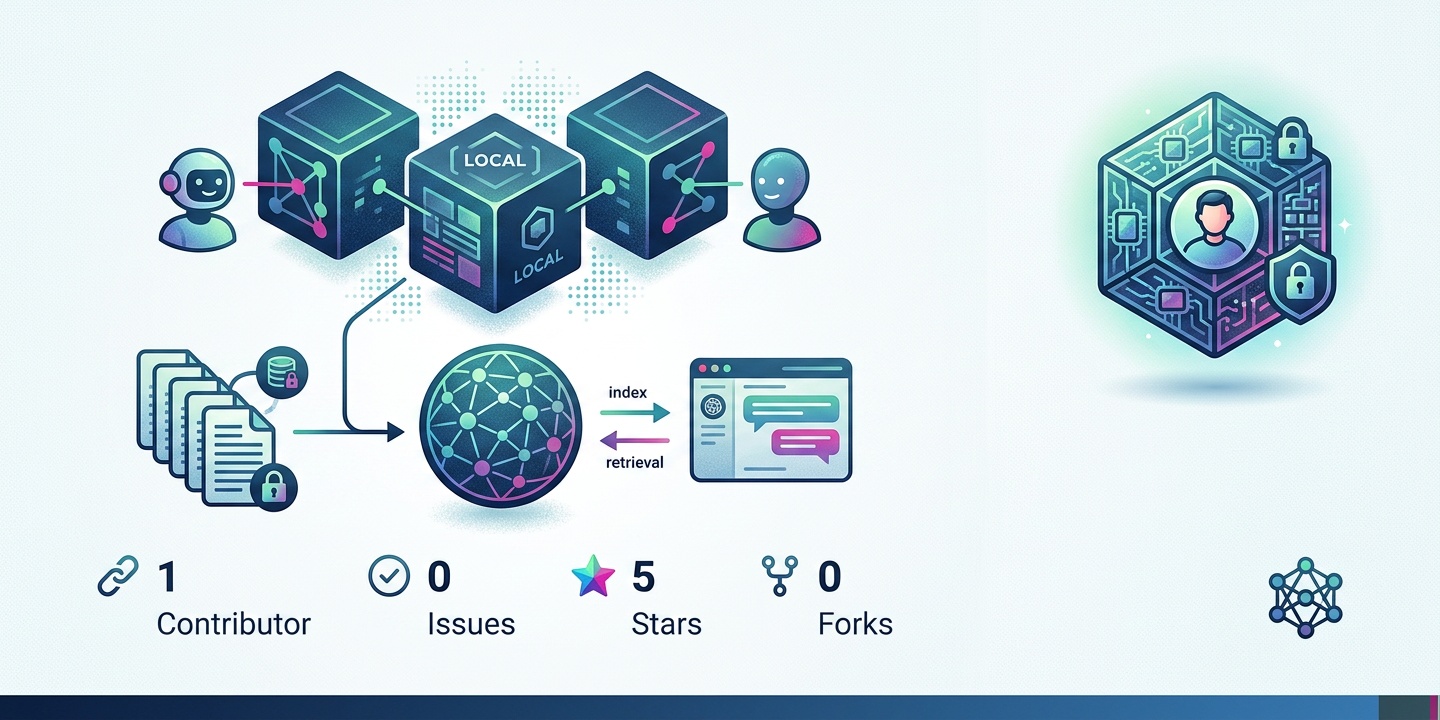
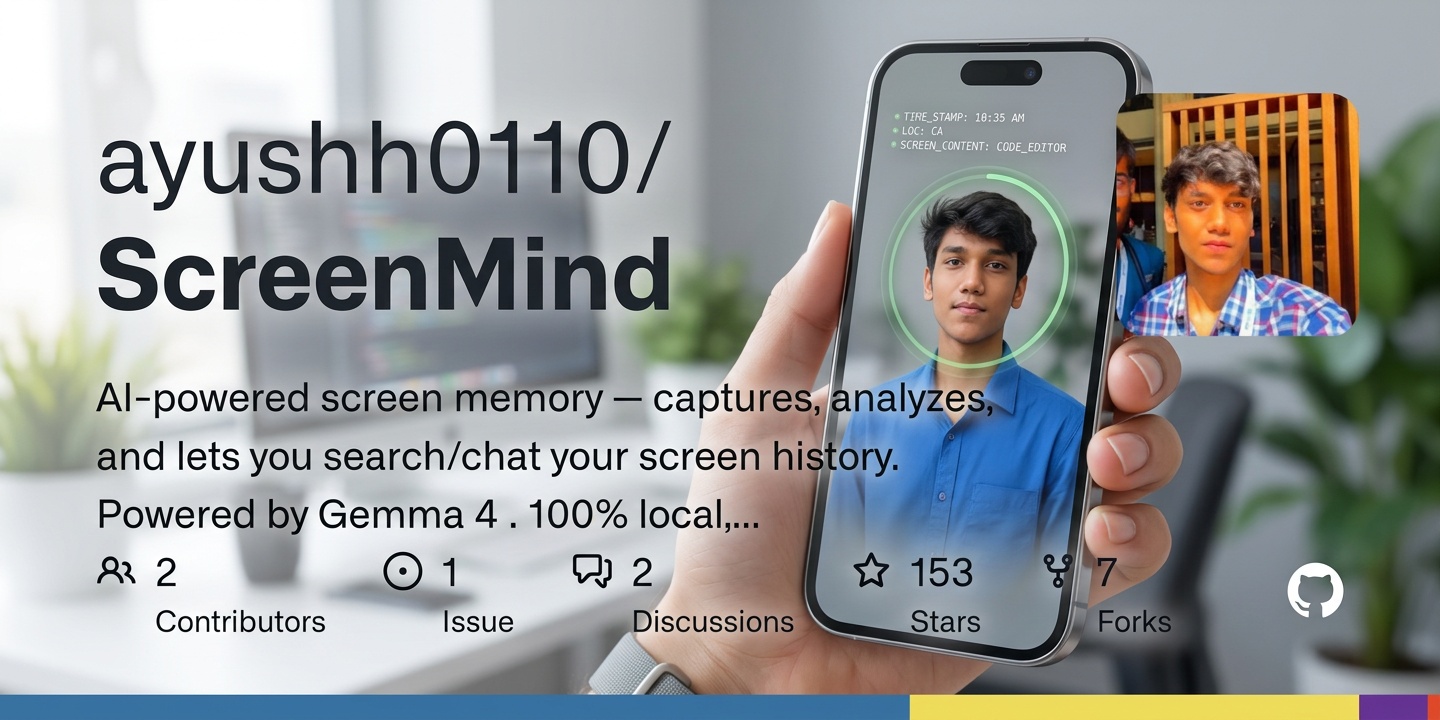
ScreenMind is an innovative tool designed to run on-device vision models, providing a privacy-first alternative to traditional screenshot analysis and automation methods. Developed with the goal of keeping user data secure and private, ScreenMind operates on the Gemma 4 model, one of the few models that support vision, audio, and reasoning, ensuring that all data processing occurs locally on the user's device.
The implications of this approach are significant, as it eliminates the need for data to be transmitted to external servers for processing, thereby reducing the risk of data breaches and unauthorized access. This makes ScreenMind an attractive solution for individuals and organizations seeking to enhance their data privacy and security posture.
Furthermore, the use of on-device vision models enables ScreenMind to provide real-time analysis and feedback, allowing users to take immediate action based on the insights gained from their screenshot data. This capability is particularly useful in applications where timely decision-making is critical, such as in healthcare, finance, or emergency response situations.
Key Features of ScreenMind
ScreenMind offers a range of features that make it an indispensable tool for anyone looking to streamline their workflow and enhance their productivity. Some of the key features include the ability to track timeline, search screenshots with any text on them, and engage in conversations with screen history.
For instance, users can prompt ScreenMind to recall specific interactions, such as a conversation with a friend on Discord or an email from Microsoft, as long as the interaction was visible on their screen. This functionality is made possible by the on-device vision model, which continuously analyzes screenshots and stores the relevant information locally.
In addition to these features, ScreenMind also provides users with the ability to customize their experience through a range of settings and preferences. For example, users can choose to exclude certain applications or windows from being analyzed, or set up custom notifications to alert them when specific events occur.
Automation and Integration
ScreenMind also provides users with the ability to create automations on top of its core functionality. This can be achieved through plain English for non-technical users or Python for developers who wish to delve deeper into the capabilities of the platform. Additionally, ScreenMind offers integrations with popular services, allowing users to send reports and updates directly to their preferred channels.
A notable feature of ScreenMind is its ability to detect meetings and transcribe them automatically, providing users with a concise summary of the discussion. This feature is particularly useful for individuals who attend numerous meetings and need to keep track of the key points discussed.
Moreover, the automation capabilities of ScreenMind can be used to streamline a wide range of tasks and workflows, from data entry and bookkeeping to customer service and technical support. By leveraging the power of on-device vision models, users can create custom automations that simplify their work and free up more time for high-priority tasks.
Challenges and Future Developments
One of the most significant challenges faced by the developers of ScreenMind was ensuring that the application could run continuously in the background without consuming excessive system resources. The presence of the chat feature added an extra layer of complexity to this challenge, as it required the on-device vision model to be constantly active and analyzing new screenshots.
Despite these challenges, the team behind ScreenMind has successfully created a powerful tool that has the potential to revolutionize the way we interact with our devices and manage our data. As the platform continues to evolve, we can expect to see new features and improvements that will further enhance its capabilities and user experience.
Looking ahead, the developers of ScreenMind are exploring new applications for their technology, including integration with virtual and augmented reality platforms, as well as the development of more advanced AI-powered features. As the use of on-device vision models becomes more widespread, we can expect to see a new generation of innovative applications and services that prioritize user privacy and security.
Real-World Applications of ScreenMind
ScreenMind has a wide range of potential applications in various industries and domains. For example, in healthcare, ScreenMind can be used to analyze medical images and provide real-time feedback to healthcare professionals. In finance, ScreenMind can be used to detect and prevent fraudulent activities, such as identity theft and phishing attacks.
In addition to these applications, ScreenMind can also be used in education and research to analyze and understand human behavior and interactions. By providing insights into how people interact with their devices and each other, ScreenMind can help researchers and educators develop more effective strategies for teaching and learning.
Furthermore, ScreenMind can be used in accessibility applications to provide assistance to individuals with disabilities. For example, ScreenMind can be used to provide real-time transcription and translation services, or to analyze and provide feedback on accessibility features in various applications and services.
Conclusion and Future Outlook
In conclusion, ScreenMind is a powerful tool that has the potential to revolutionize the way we interact with our devices and manage our data. With its on-device vision model and range of features and integrations, ScreenMind provides a privacy-first alternative to traditional screenshot analysis and automation methods.
As the platform continues to evolve and improve, we can expect to see new features and applications that will further enhance its capabilities and user experience. Whether you are an individual looking to streamline your workflow and enhance your productivity, or an organization seeking to improve your data privacy and security posture, ScreenMind is definitely worth considering.
Attribution: This article is based on the ScreenMind project, available on GitHub at https://github.com/ayushh0110/ScreenMind/blob/main/README.md.